Posts

Showing posts with the label openssl

To import SSL certificate and key into PowerSchool's database

In order to use the PowerSchool's API(s) or to enable Single Sign-on with 3rd-party app using SAML2, we need to enable HTTPS. To enable HTTPS on this application server, import a certificate and private key into the database. If you have already imported a certificate on this or any other application node, skip this procedure. If you do not yet have a certificate you will have the option to import and enable HTTPS at a later time If you choose to import, all certificates should be standard X509 certificates in standard Privacy Enhanced Mail (PEM) format. Viewed in a text editor, PEM format certificates start with "------BEGIN CERTIFICATE-----" and end with "-----END CERTIFICATE-----". The private key file should also be in PEM format . The private key password is the password you set when you generated the private key/certificate request pair. If your certificate authority provides an intermediate certificate or certificates, include them here. My private ...
Fix error "openssl/ssl.h: No such file or directory"

If you got this error message when installing some packages such as pyopenssl or pycrypto: “ openssl/ssl.h: No such file or directory ” Install these following packages will fix: $ sudo apt-get install libssl-dev

PHP - Using php5-ldap to interact with Microsoft Active Directory from Linux

Image
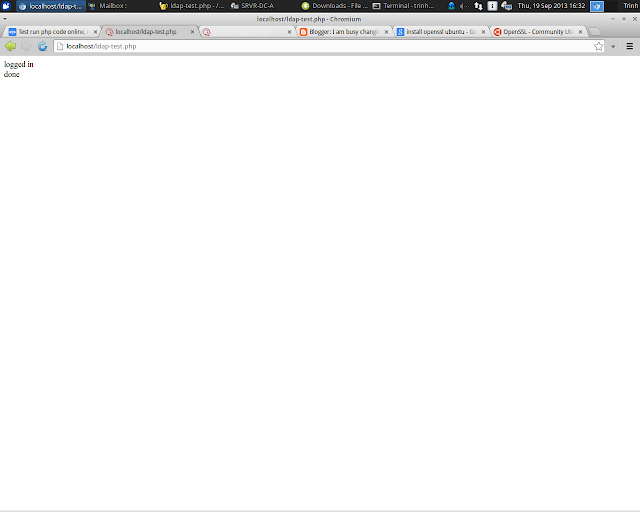
To make the php5-ldap library contactable with a Microsoft Windows Active Directory server, make sure: 1. Install OpenLDAP library: sudo apt-get install slapd ldap-utils 2. Modify the config file of ldap at /etc/ldap/ldap.conf , !important: # # LDAP Defaults # # See ldap.conf(5) for details # This file should be world readable but not world writable. #BASE   dc=example,dc=com #URI    ldap://ldap.example.com ldap://ldap-master.example.com:666 #SIZELIMIT      12 #TIMELIMIT      15 #DEREF          never # TLS certificates (needed for GnuTLS) # TLS_CACERT    /etc/ssl/certs/ca-certificates.crt # add this TLS_REQCERT never 3. Write a test script and run: <?php $ldap = ldap_connect("ldaps://172.18.1.2"); ldap_set_option($ldap, LDAP_OPT_PROTOCOL_VERSION, 3); ldap_set_option($ldap, LDAP_OPT_REFERRALS, 0); $password="P@ssw0rd"; $binddn = "CN=Admin,OU=ArtificialUsers,DC=MyDomain,DC...