Install and customize ZSH shell in Xubuntu
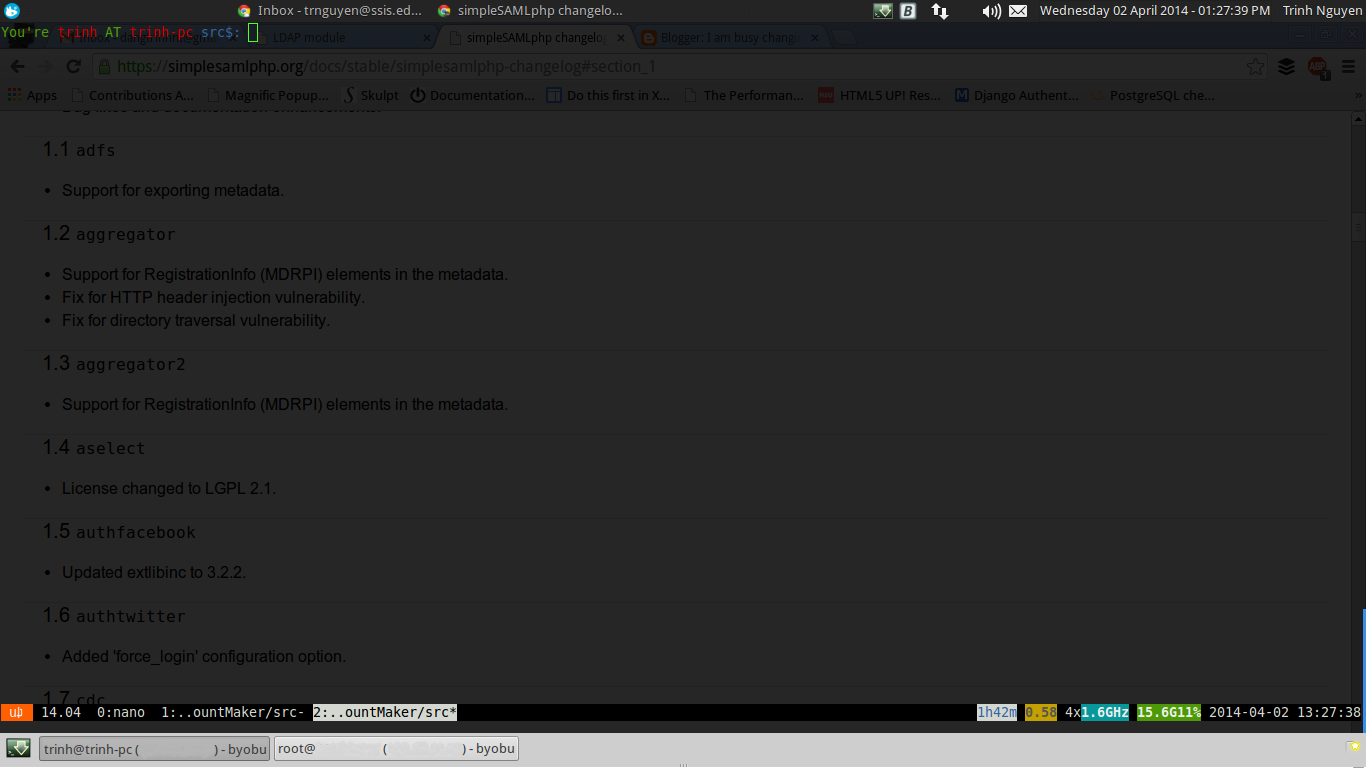
ZSH shell is a Unix shell comes with a lot of improvements compare with the bash shell. I want to try this shell in my computer since I was pleased by the new experience I had with ZSH in one of my DigitalOcean VPSs. 1. Install ZSH shell: $ sudo apt-get update && sudo apt-get install zsh $ wget –no-check-certificate https://github.com/robbyrussell/oh-my-zsh/raw/master/tools/install.sh -O – | sh $ chsh -s /bin/zsh => Restart the computer 2. Customize the prompt's display of zsh as following: to make it's easier to work with long directory paths Modify the ~/.zshrc : Apply the changes: $ source ~/.zshrc References: [0] http://www.zsh.org/ [1] http://en.wikipedia.org/wiki/Z_shell [2] http://www.bash2zsh.com/essays/essay1_file_manager.html [3] http://monangik.wordpress.com/2011/04/21/install-zsh-shell-on-ubuntu/